The Translation Gap
How can AI be brought into shared physical space as an embodied presence, and what interaction mediums does that open up?
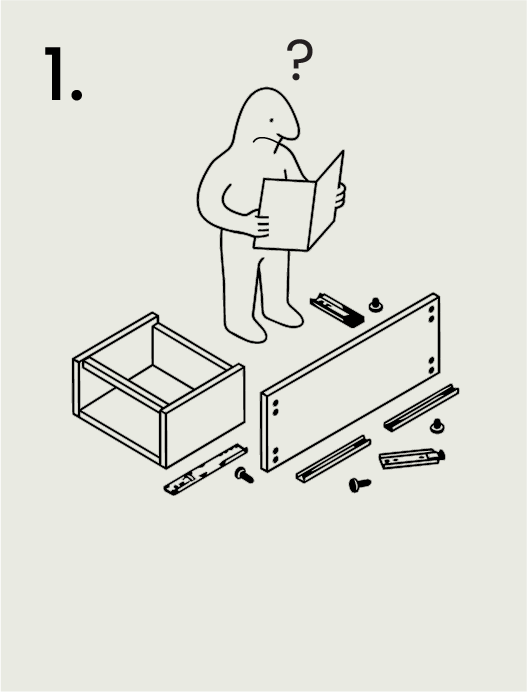
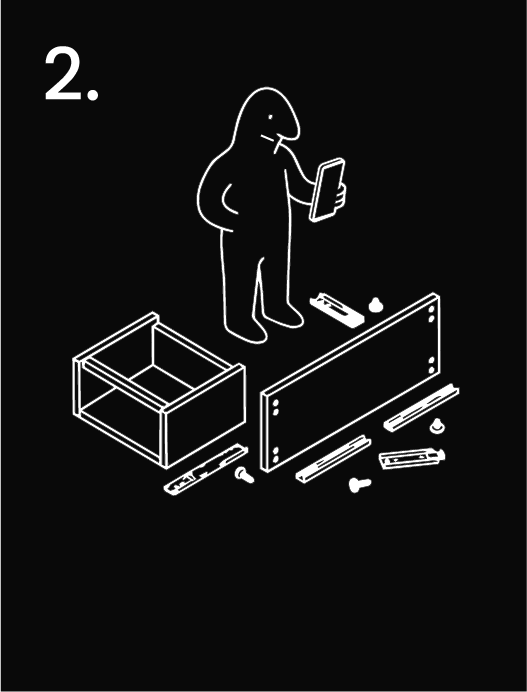
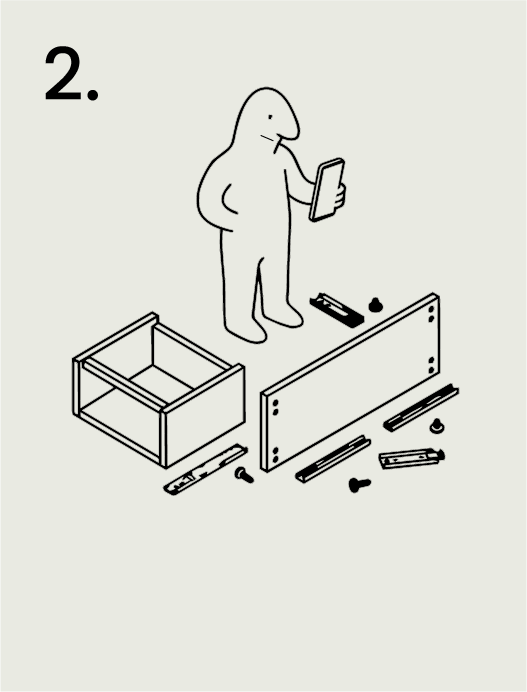
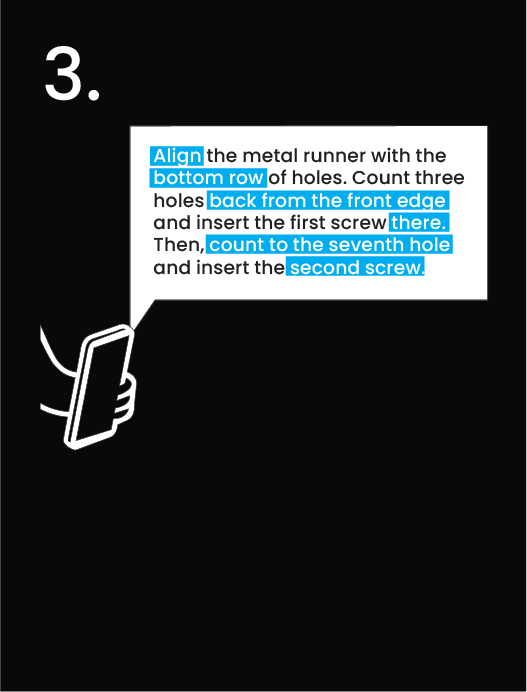
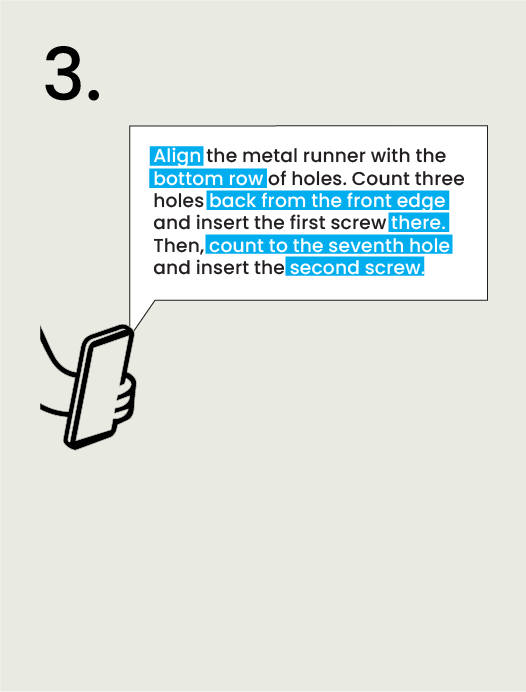
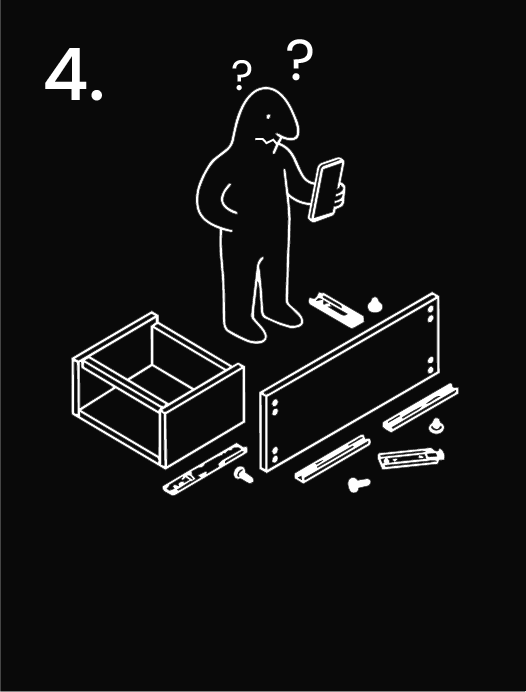
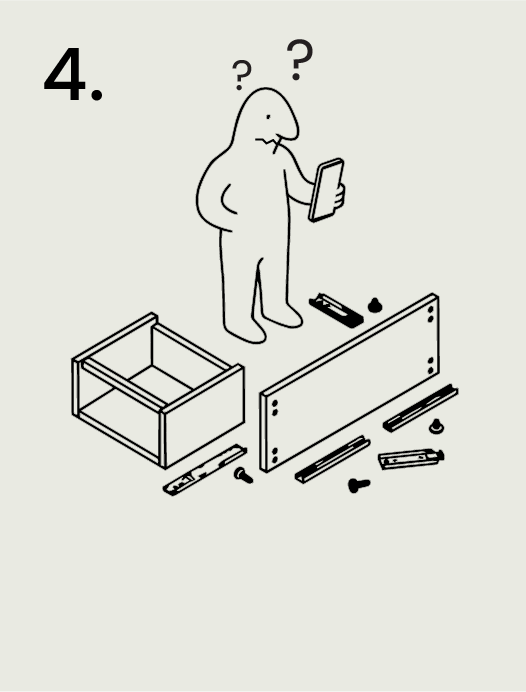
Present / Gap
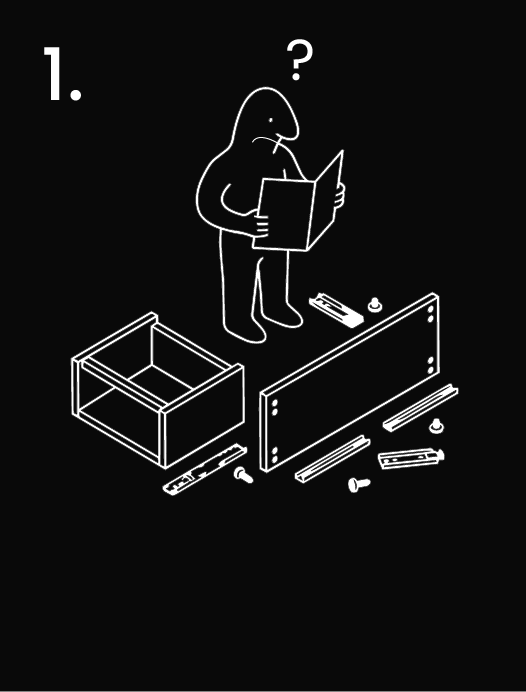
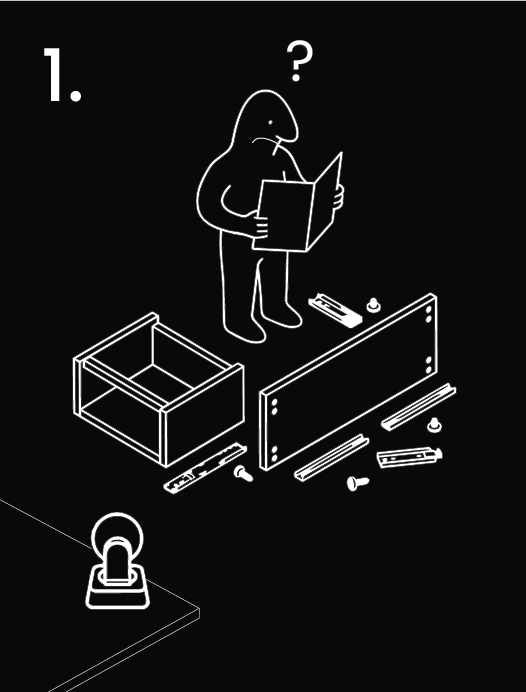
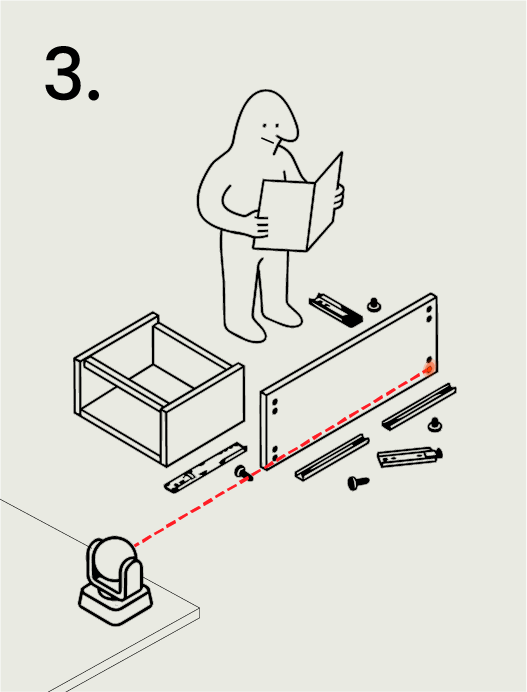
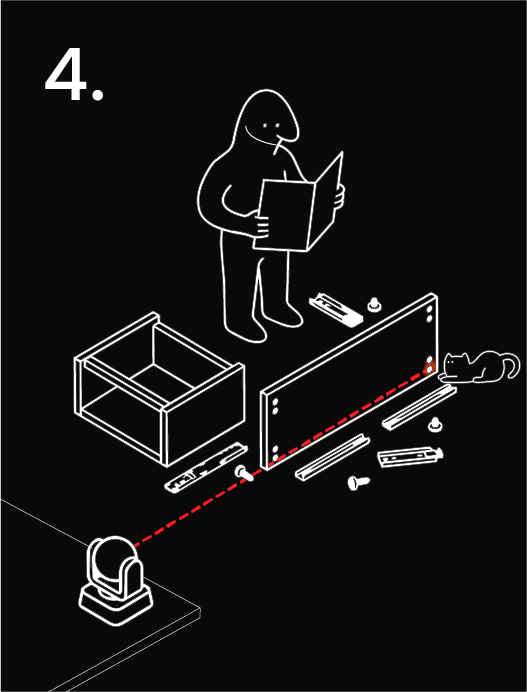
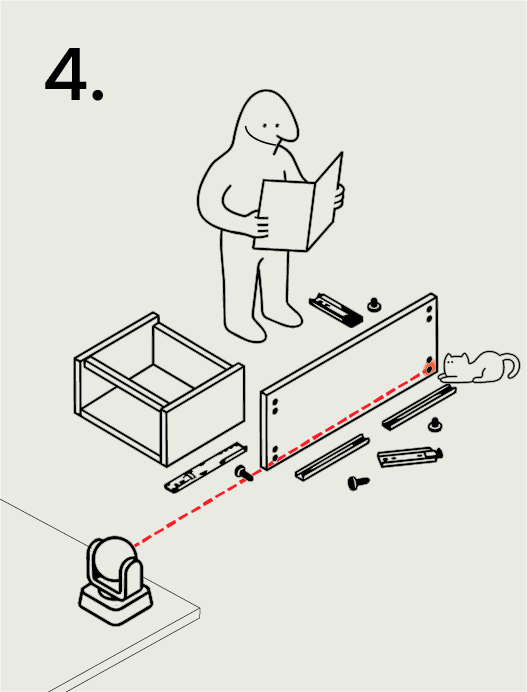
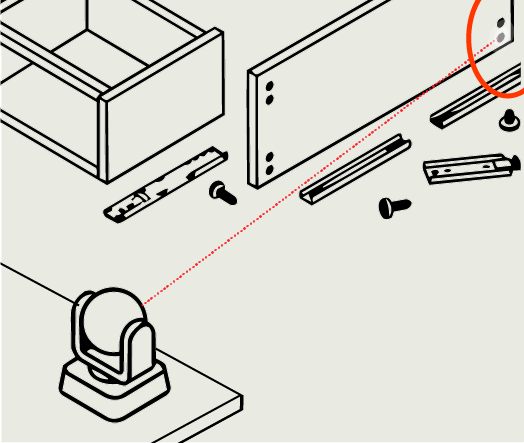
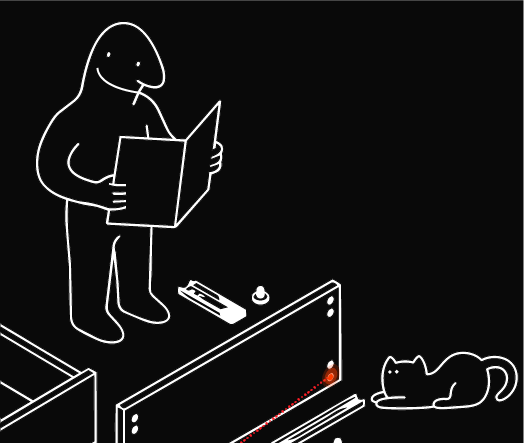
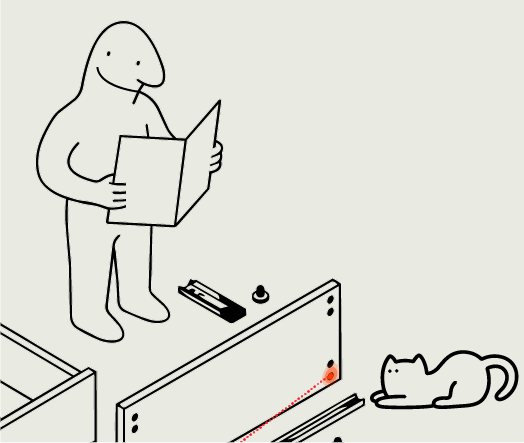
For a task like building an IKEA table, current AI can give the right instruction, but we still have to map it onto the real world. The gap is between knowing what to do and communicating it effectively.
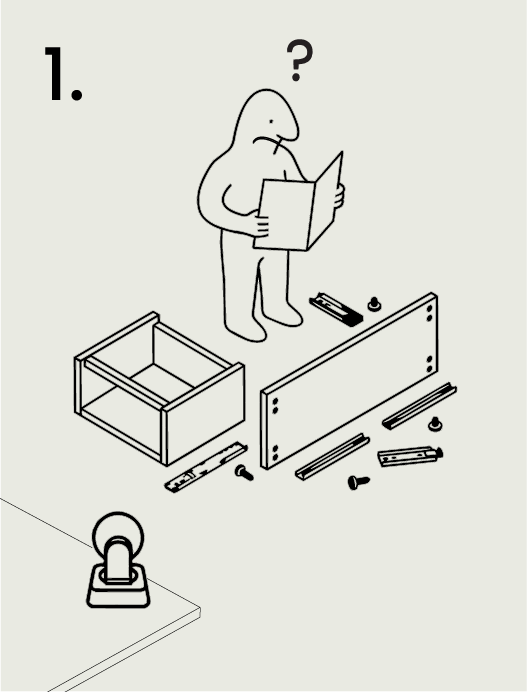
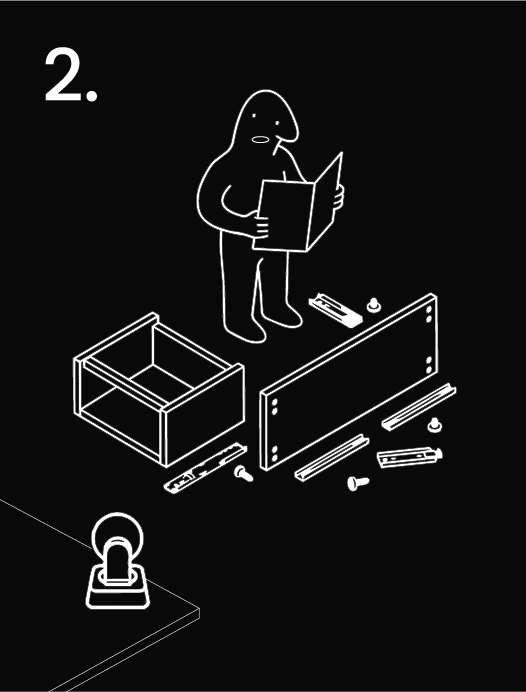
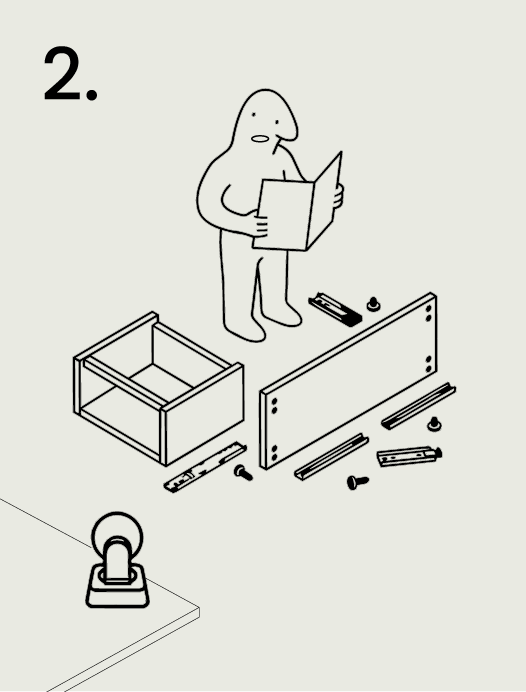
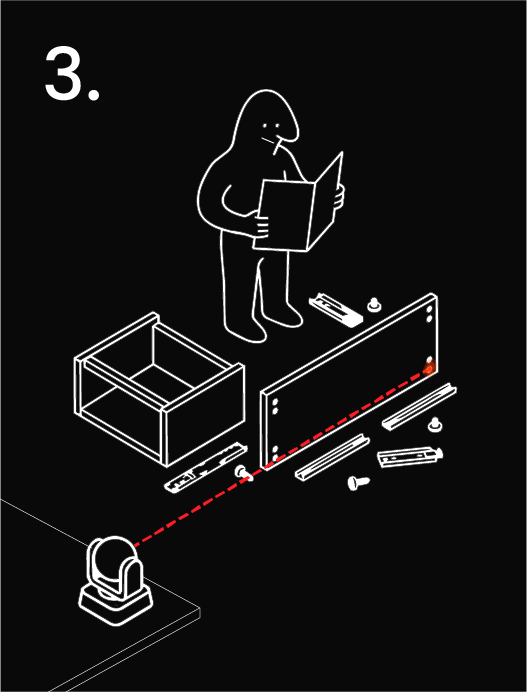
Opportunity
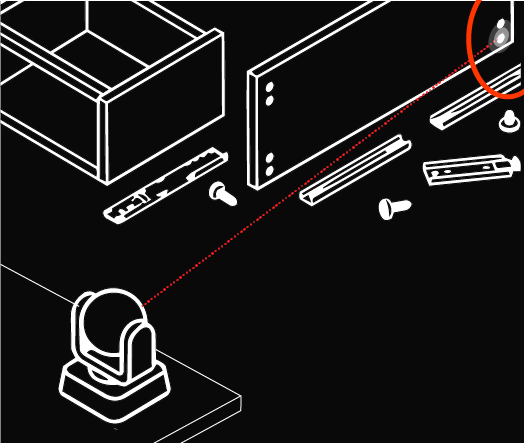
A physically situated AI can close the translation gap by pointing directly at the relevant object or location. The instruction becomes spatial, immediate, and shared.
Research Question 1.1
What does pointing afford as an interaction medium for a physically situated AI?
Research Question 1.2
How does physical co-presence change the nature of human-AI communication?
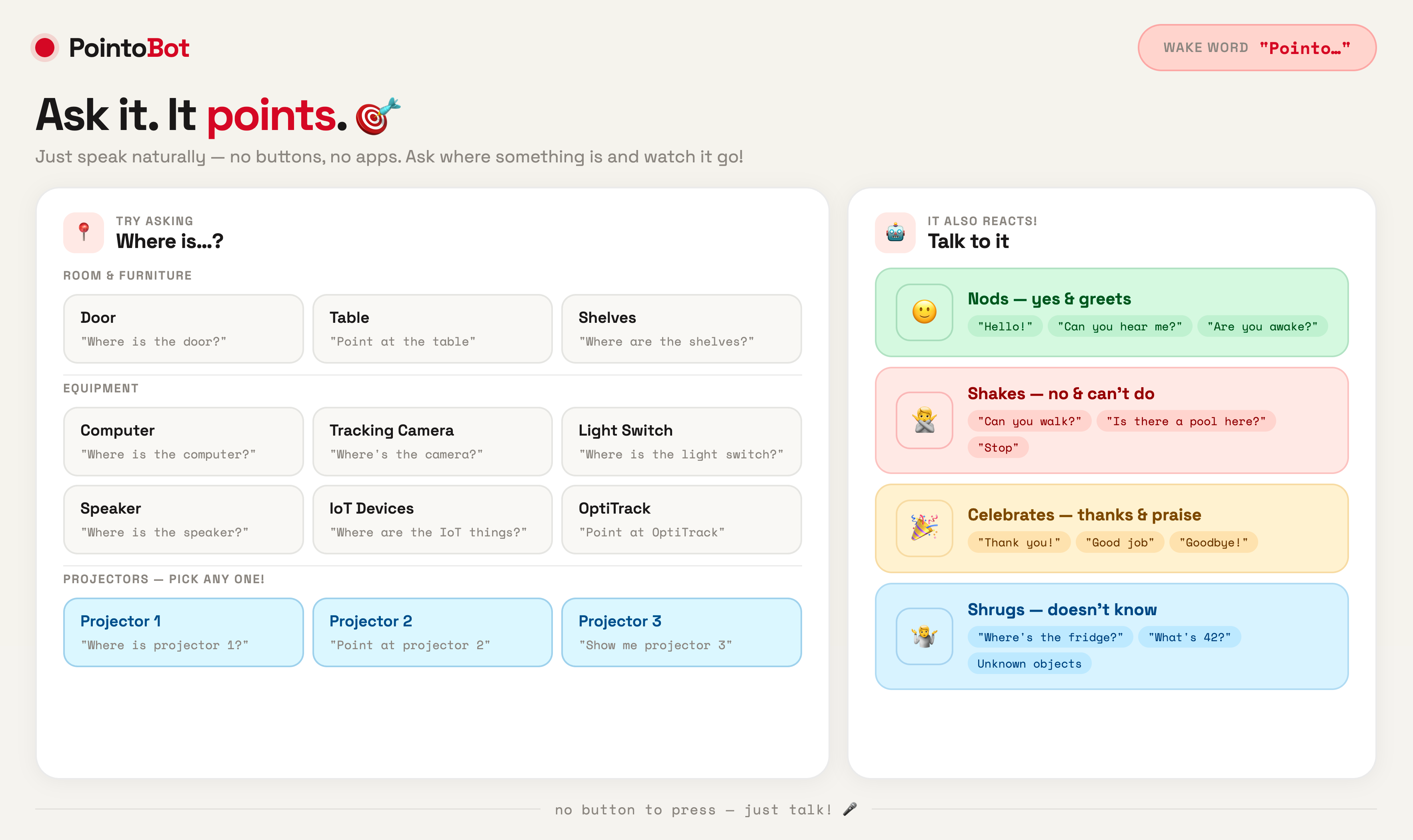
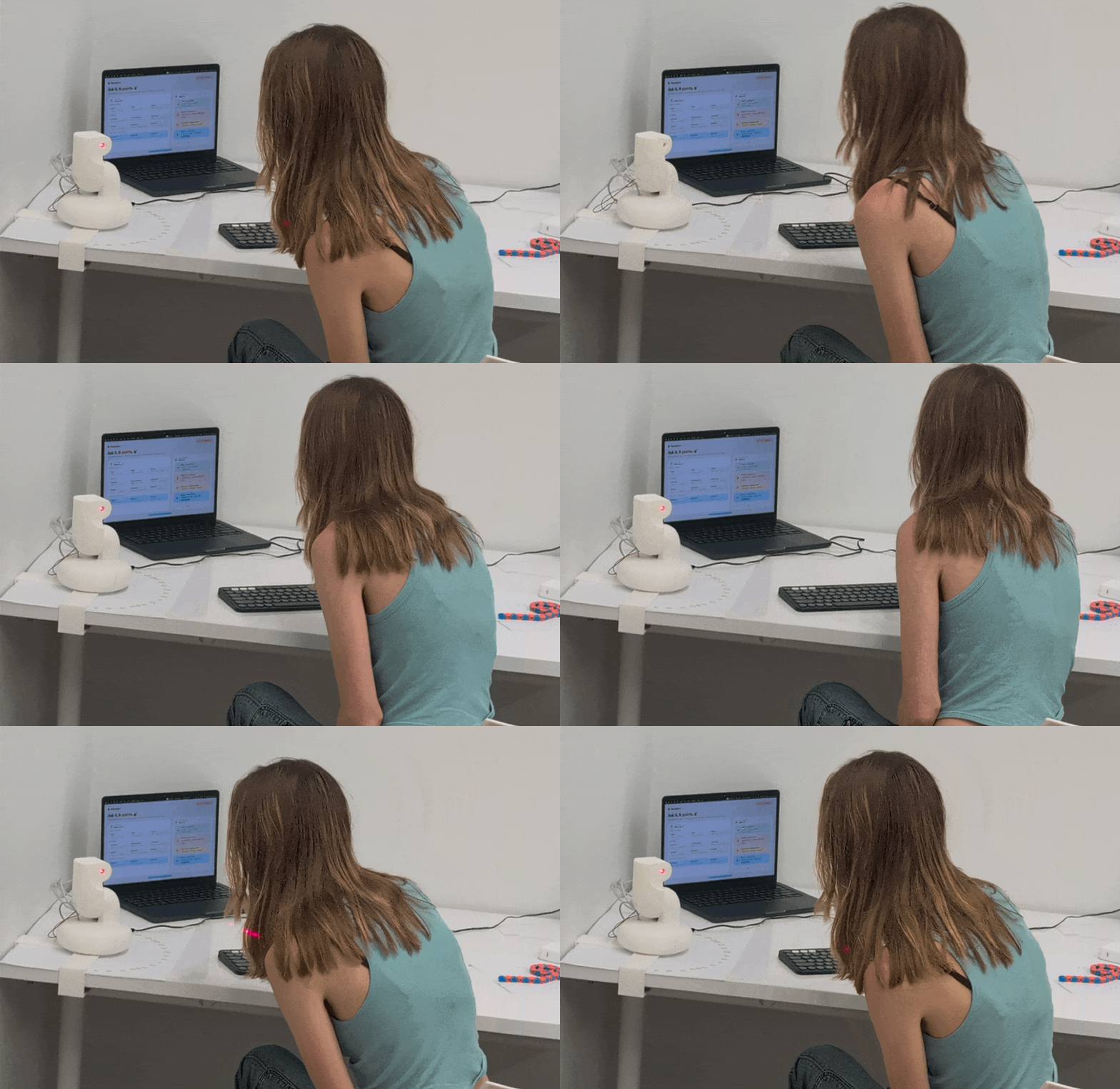
PointoBot in Action
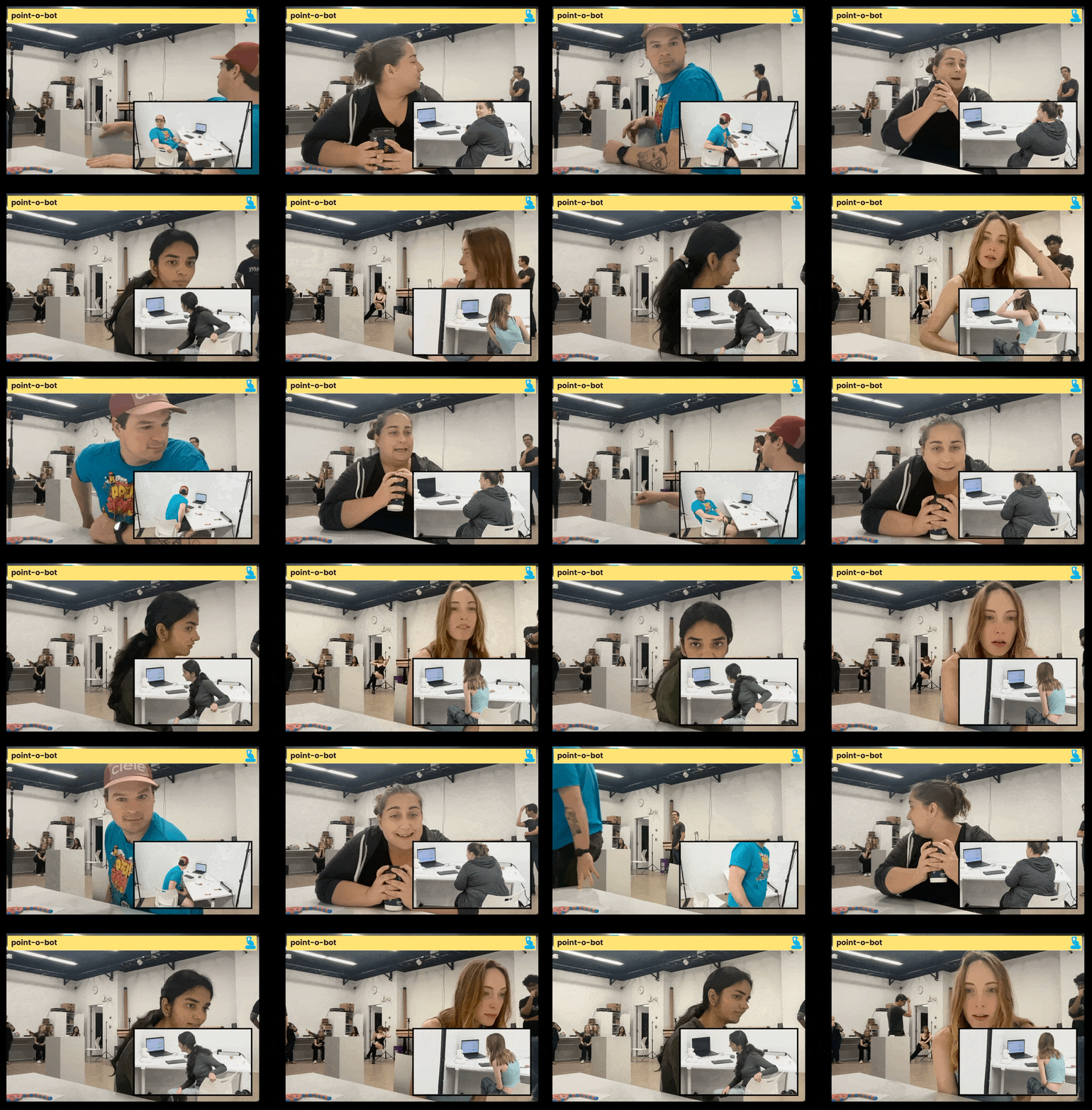
What pointing taught us about embodied AI.
The cost of embodiment.
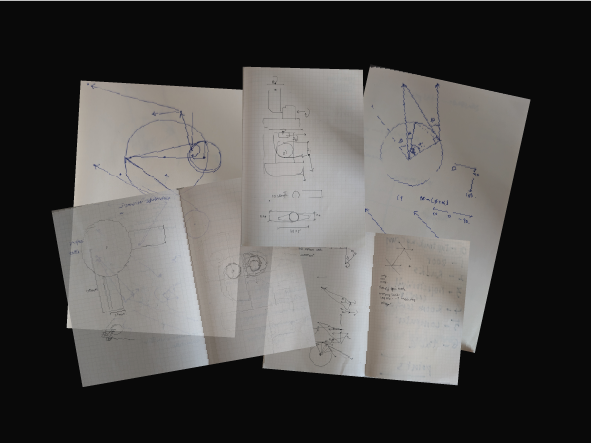
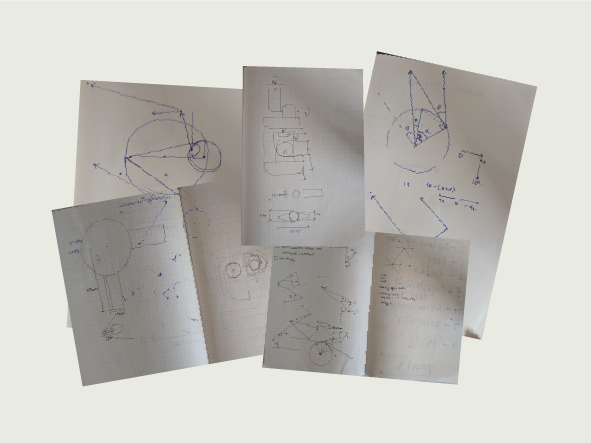
Making physical pointing accurate at room scale is non-trivial: it requires custom inverse kinematics, coordinate mapping, laser offset calculation, and servo calibration. Embodied AI communication carries a real technical cost that screen and voice-based systems simply do not have to pay.
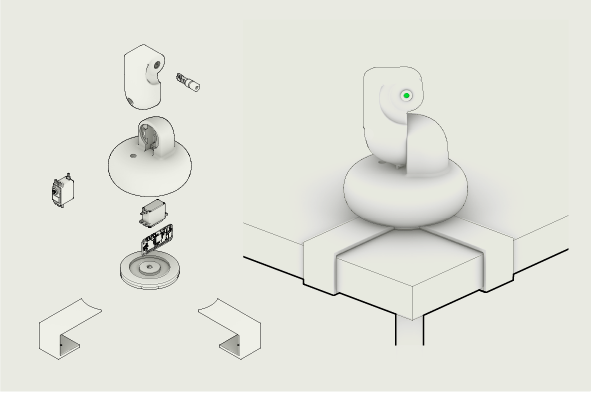
Form follows interaction.
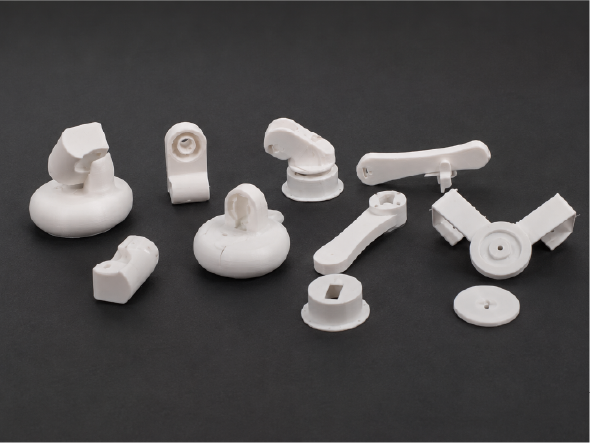
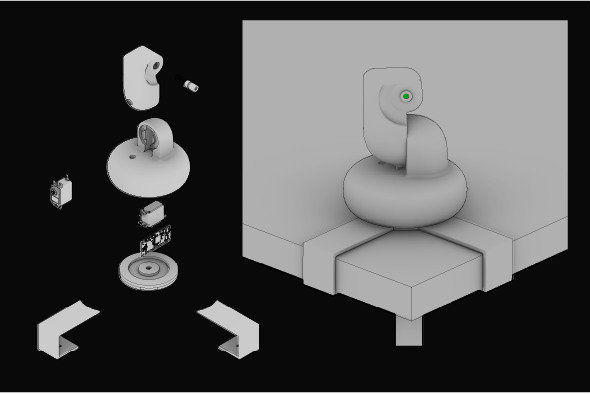
The shift from a robotic arm to a pan-tilt laser was not only an aesthetic decision — it changed the quality of the interaction itself: what it felt like to be pointed at, and what the robot communicated through its physical presence in the room.
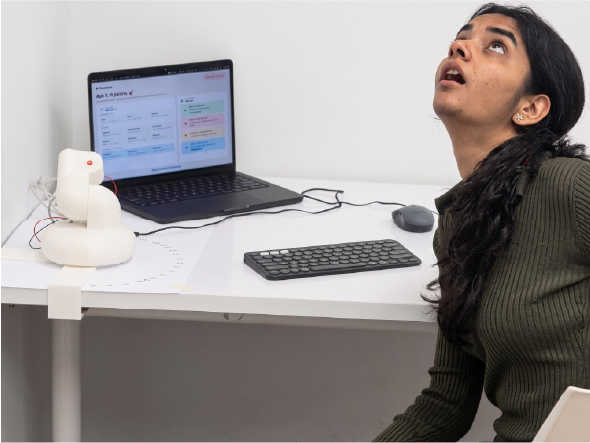
A language already known.
When people encountered PointoBot for the first time, the onboarding cost dropped to zero. Rather than forcing users to learn a new interface, the AI adopted a gesture humans have known since birth — the same one a child uses before they have words.
Finding Pointing
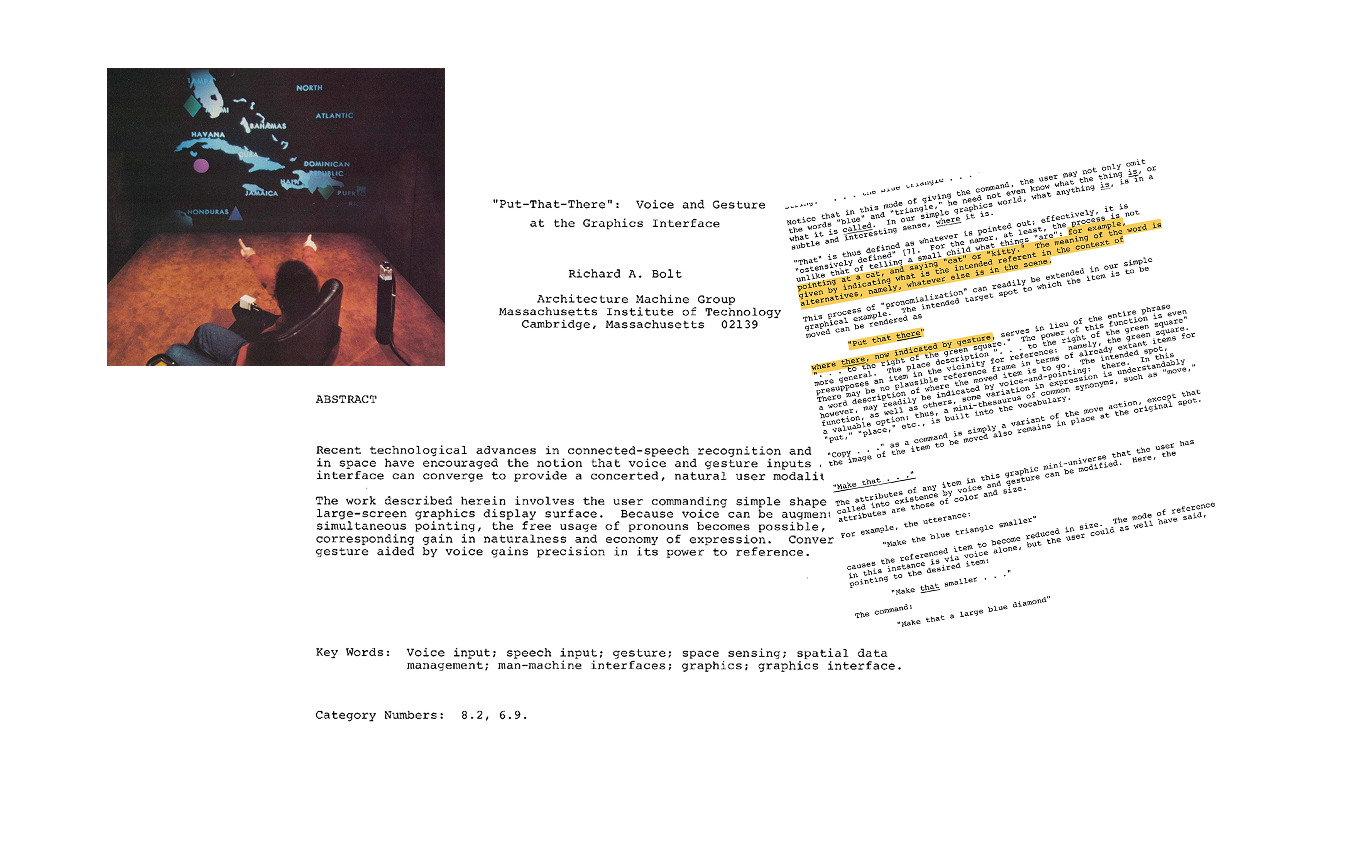
Pointing has always been central to how we interact with computers — and yet, AI is still stuck in a text box.

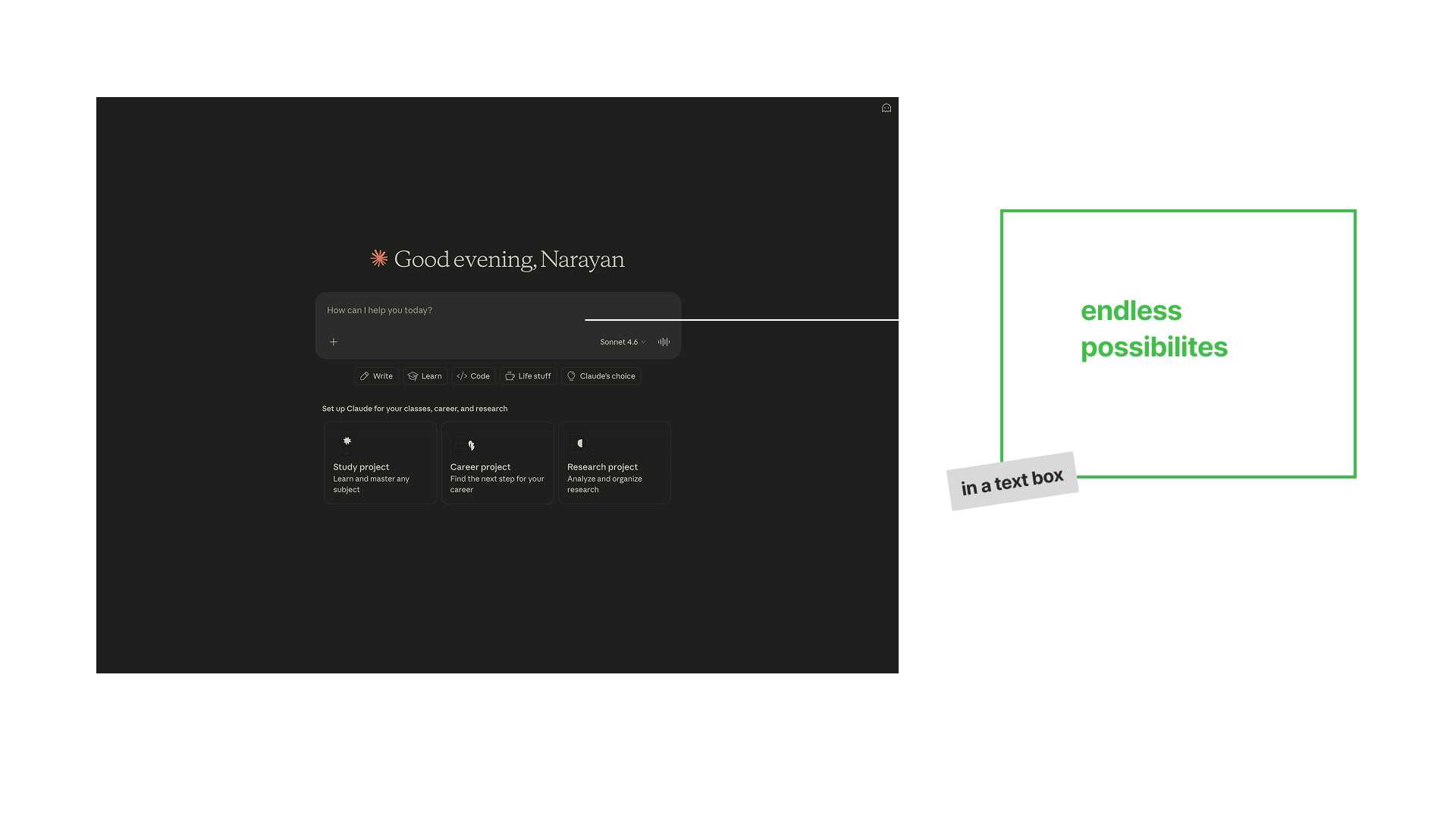
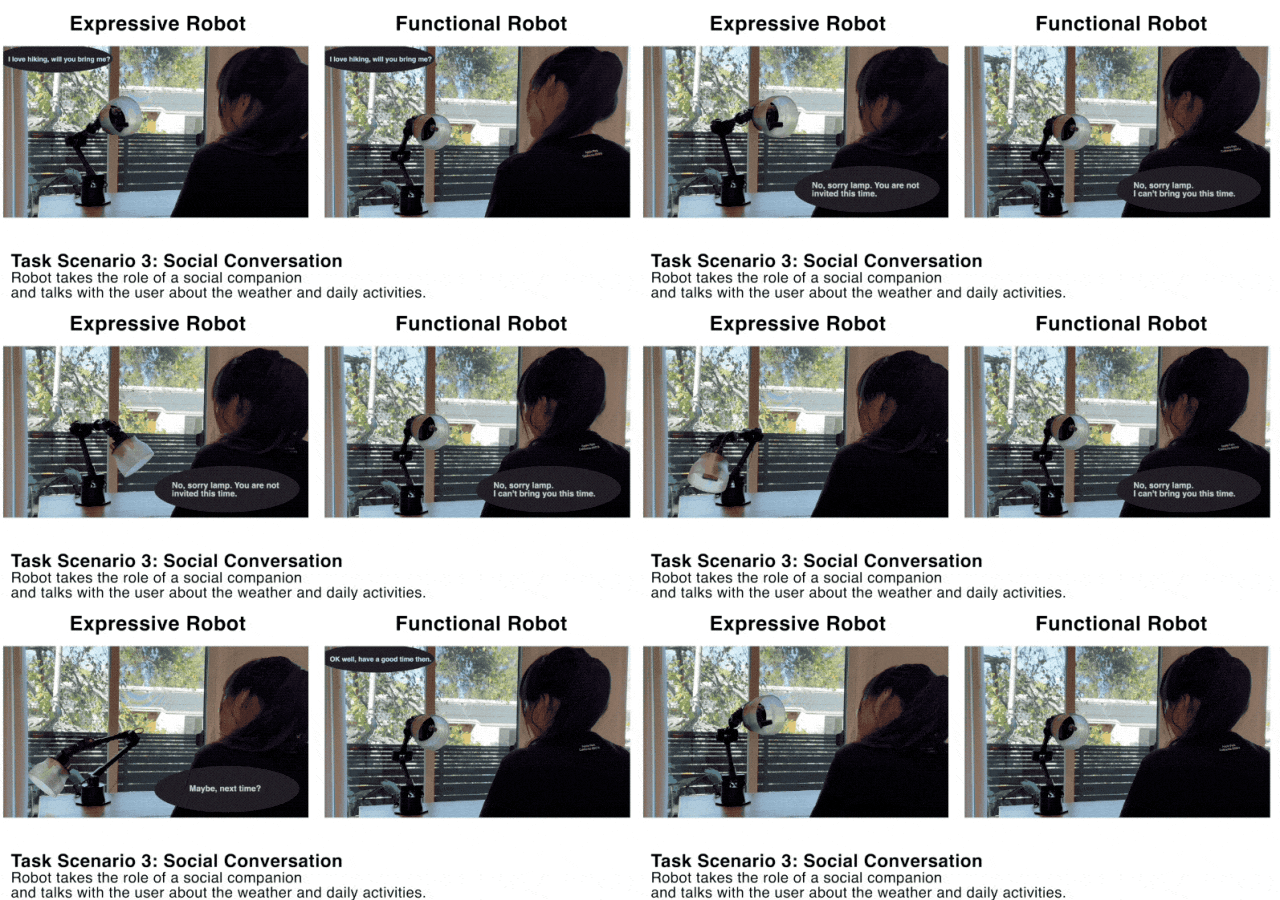
A few related works to ground my efforts.
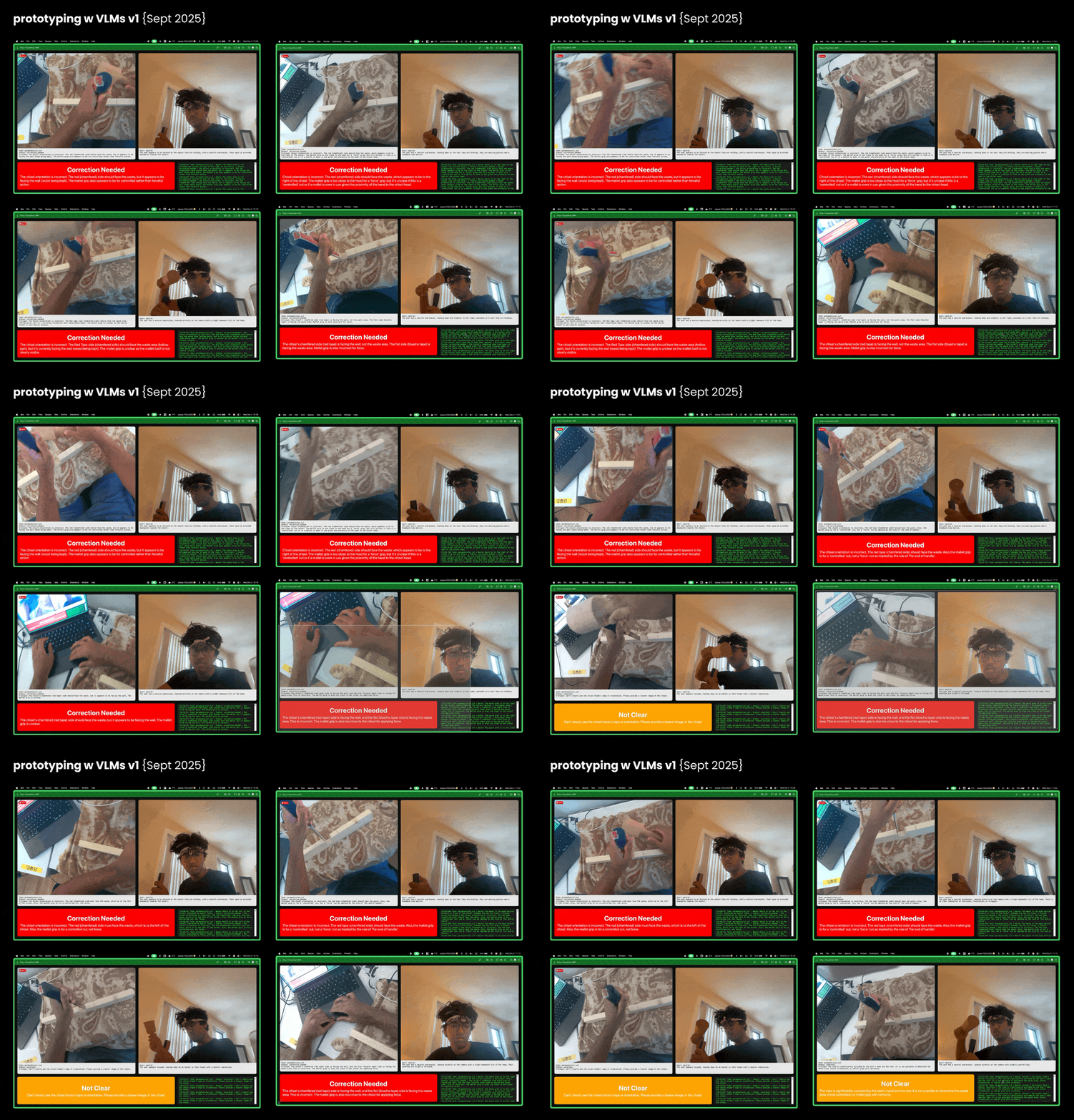
VLM Experiments
Scale Pivot: Tabletop → Room-scale
Building for the Lab
Gestures, Maps, and Moments
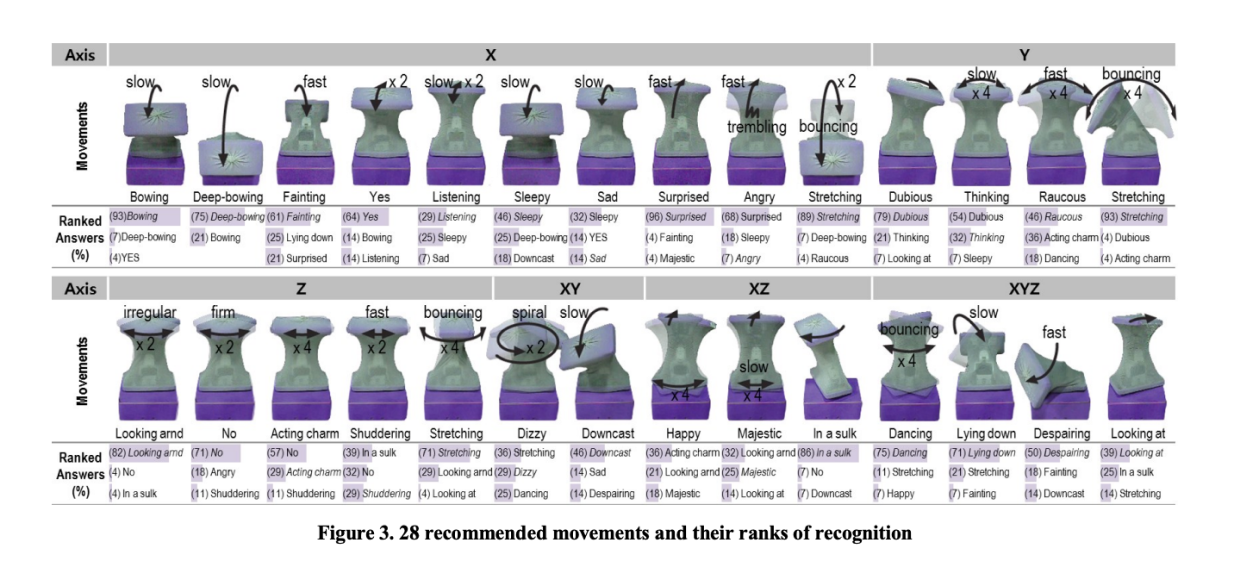
Gesture Vocabulary
PointoBot communicates intention through expressive gestures like nods, shakes, and focus behaviors, making its mechanical movements legible to human observers.